Description
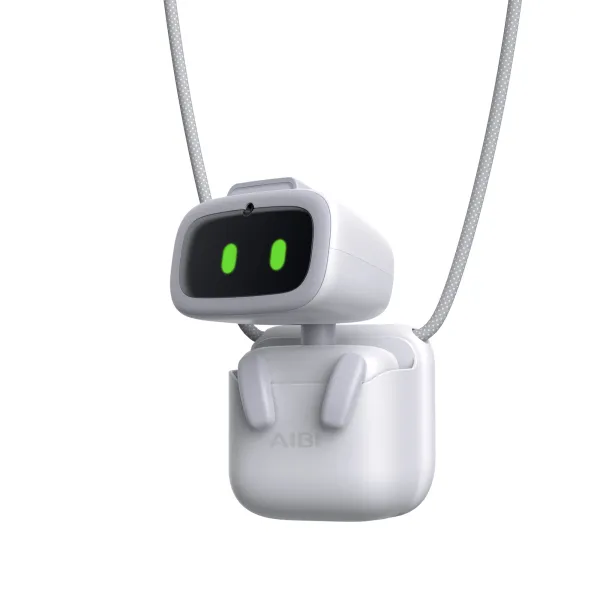
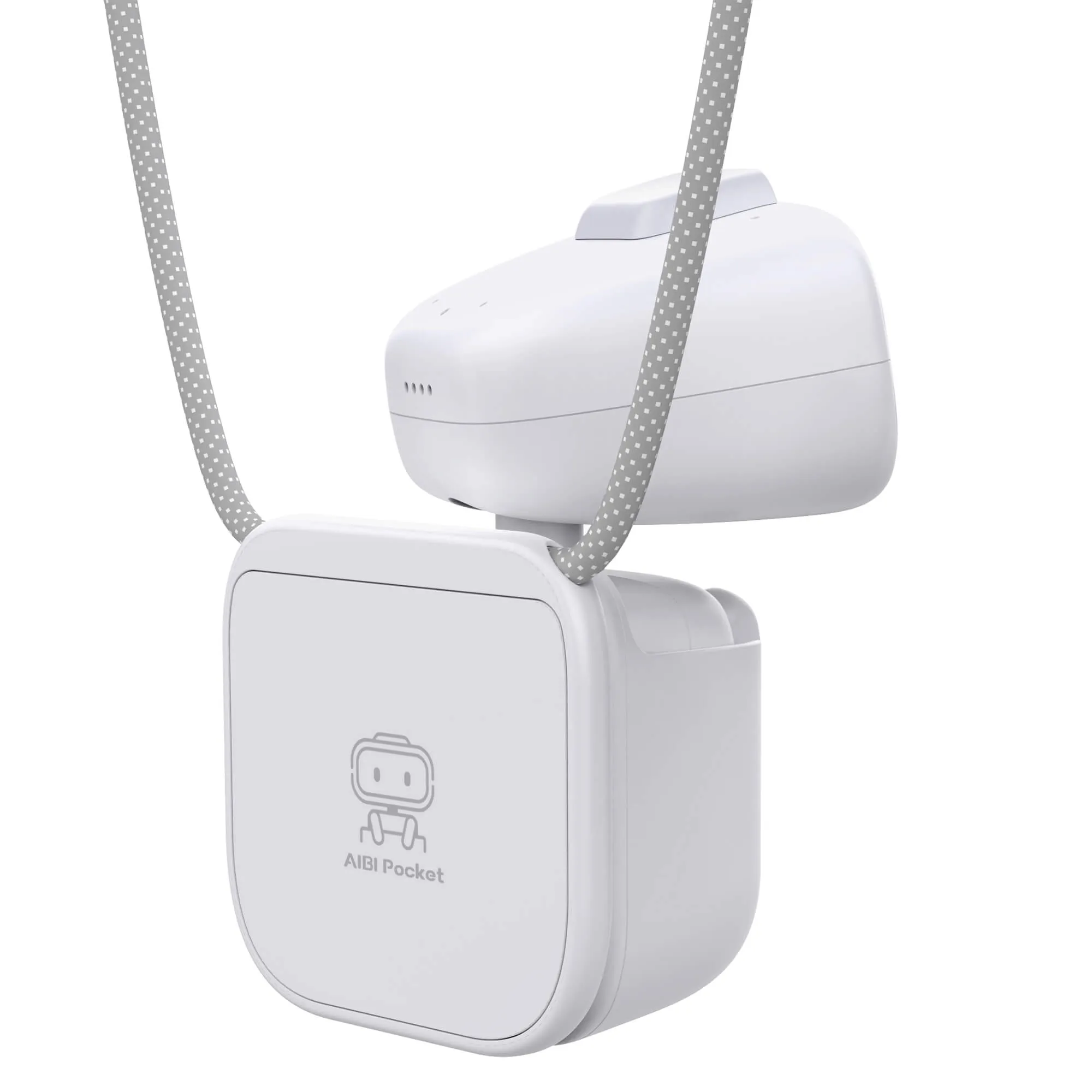
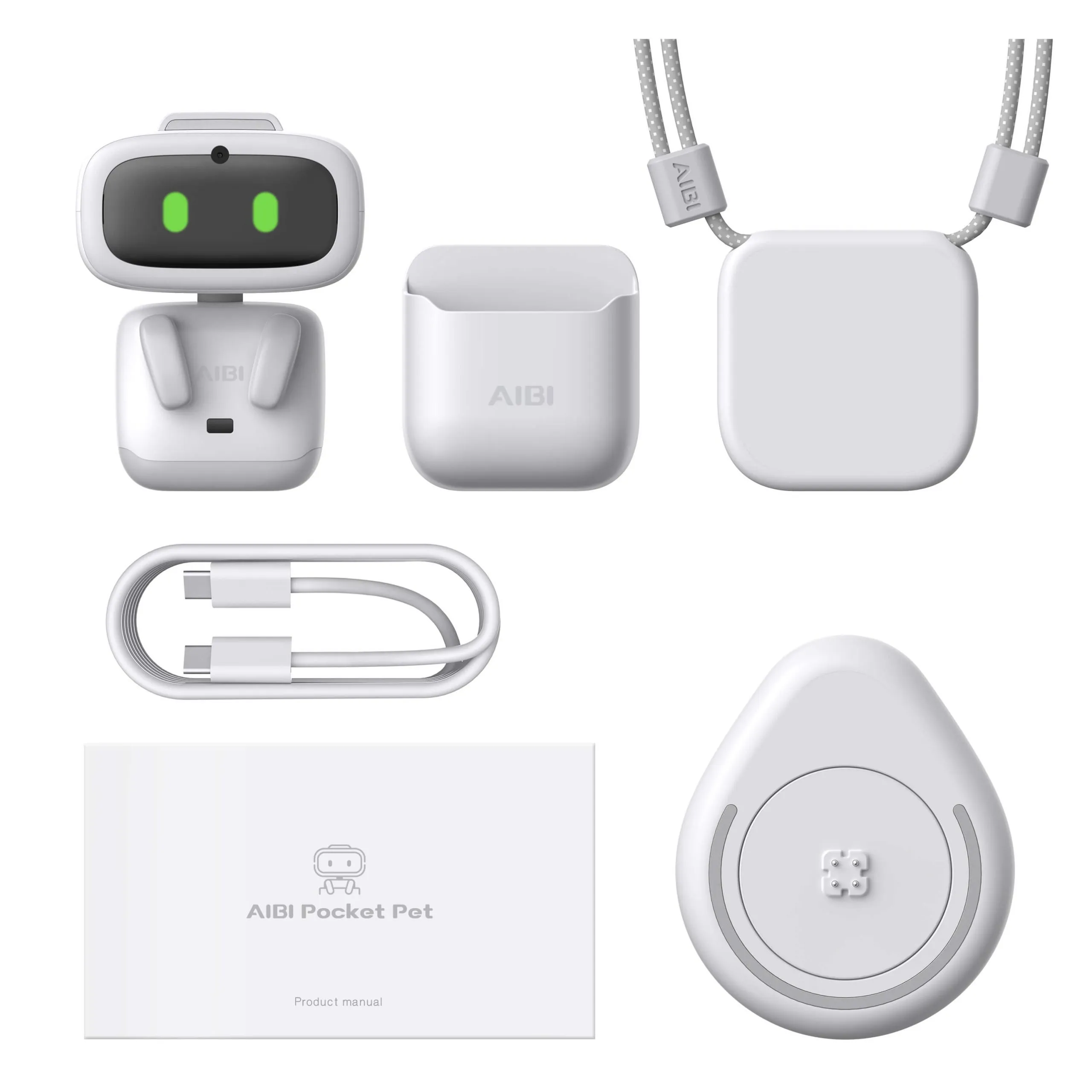
AIBI Pocket is a brand new category that redefines AI pets. This is definitely a milestone product.
After you place your order, your package will be dispatched from our factory in 2-4 weeks .
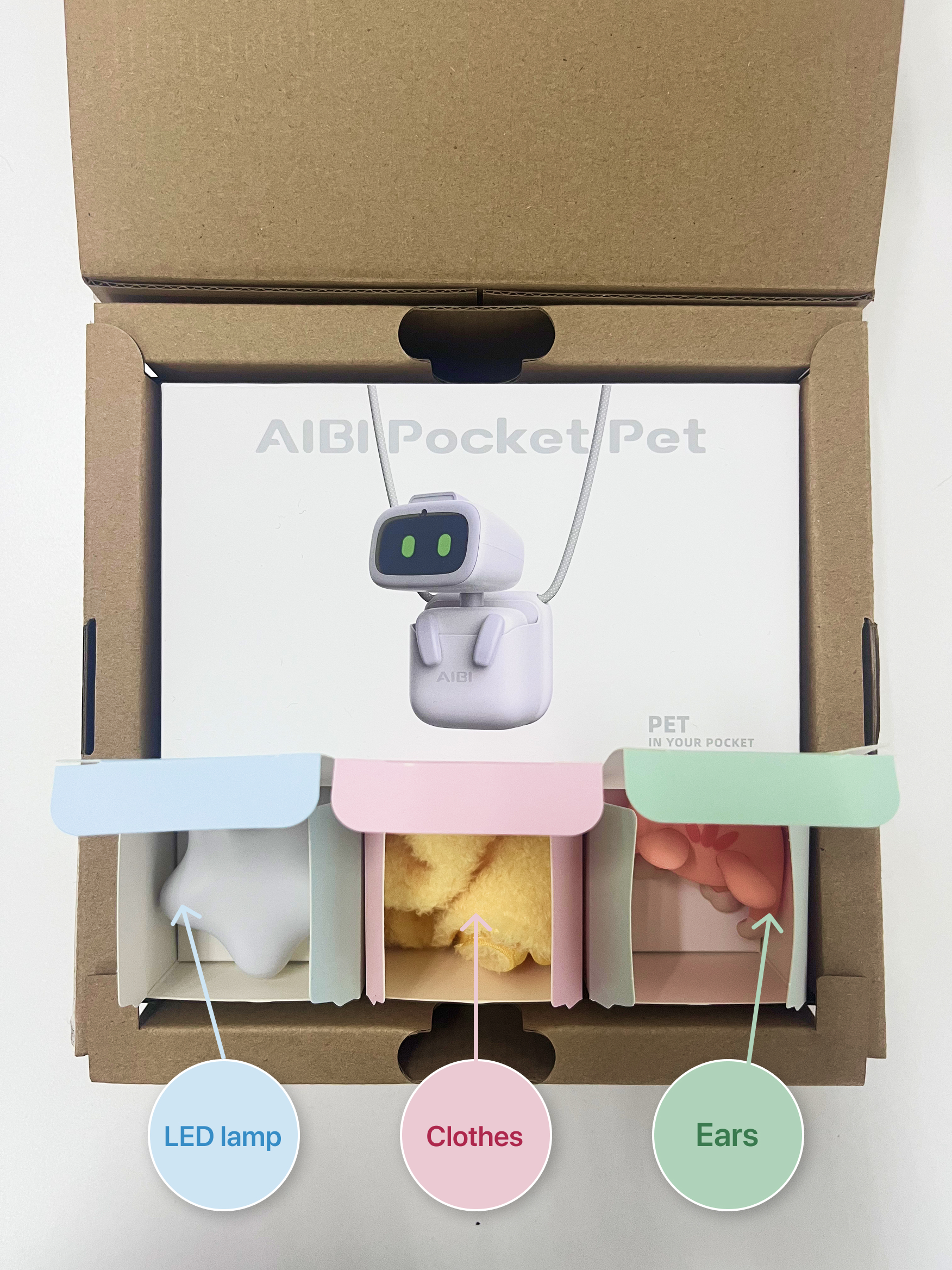
As a thank you for your patience, we will include a free accessory gift in your AIBI package.
Face recognize & photography
AIBI can recognize your face and know who you are, Just tell AIBI to take a photo anytime and anywhere.
Vivid weather report
Whether it's rain, snow, hail, or clear skies, AIBI always manages to immerse you with
vivid animations.
Voice commands &
ChatGPT
AIBI can support offline commands and online Q&A.
Even without the internet, AIBI can still understand your commands. For complex questions, AIBI will connect to ChatGPT for answers.
Alarm clock and
reminder
Always forgetting to take medication?
It's okay, AIBI is vigorously lifting a large pill to remind you to take your medicine.
Rotating Al Camera
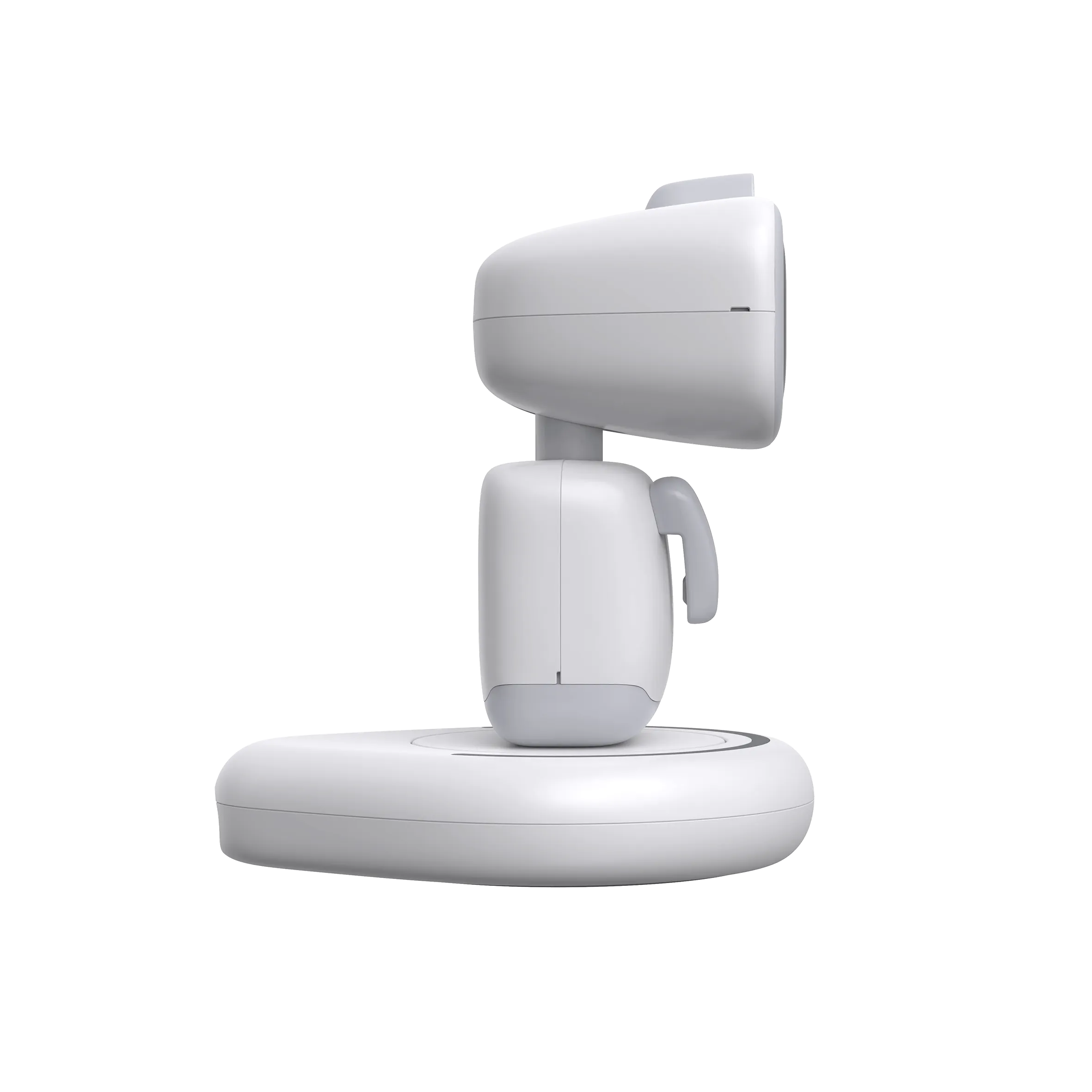
In addition to achieving facial recognition and photo taking. AlBI can freely rotate the head and achieve real-time trackingfunction, which is flexible like a gimbal
Millimeter wave radar
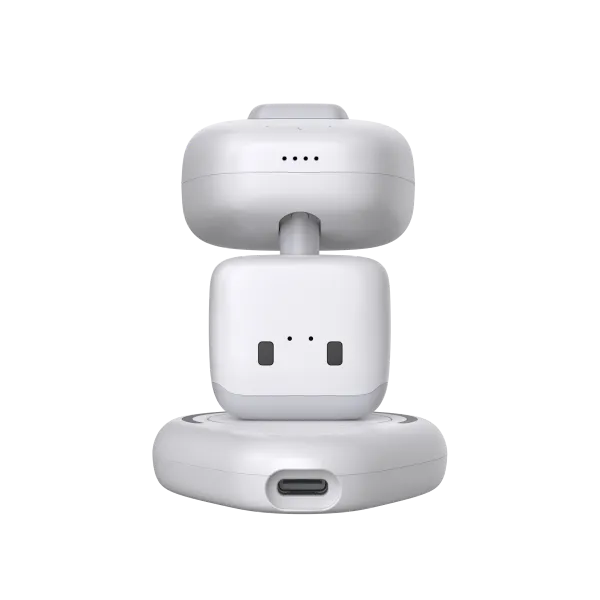
We have stuffed millimeter wave radar into such a small body, allowing AlBI to perceive human presence from a long distance.
Three microphone array
AIBI integrates a microphone array on a head that is only a few centimeters long. The new algorithm enables AIBI to more accurately determine direction and
recognize instructions.
Near field communication
We have added close range optical communication on the back of AIBI. Enable two AlBIs to exchange information. Two AlBls can add friends and exchange the owner's contact information.
ChatGPT is available without restrictions.
AIBI Update Recommendation
- Place the robot on the platform with the charger connected.
- Download the AIBI app and connect it to your WiFi network.
- In the AIBI app, in the Settings section, download all available updates one by one. System information about the progress of each update will be displayed on the Robot's screen.
- The current version of AIBI is V1. To change to the new version, V2, go to Settings in the app, select Wake-up Model, and change the model to the new version, V2. By switching to the updated version, AIBI will respond better when you call its name.